GALLERY
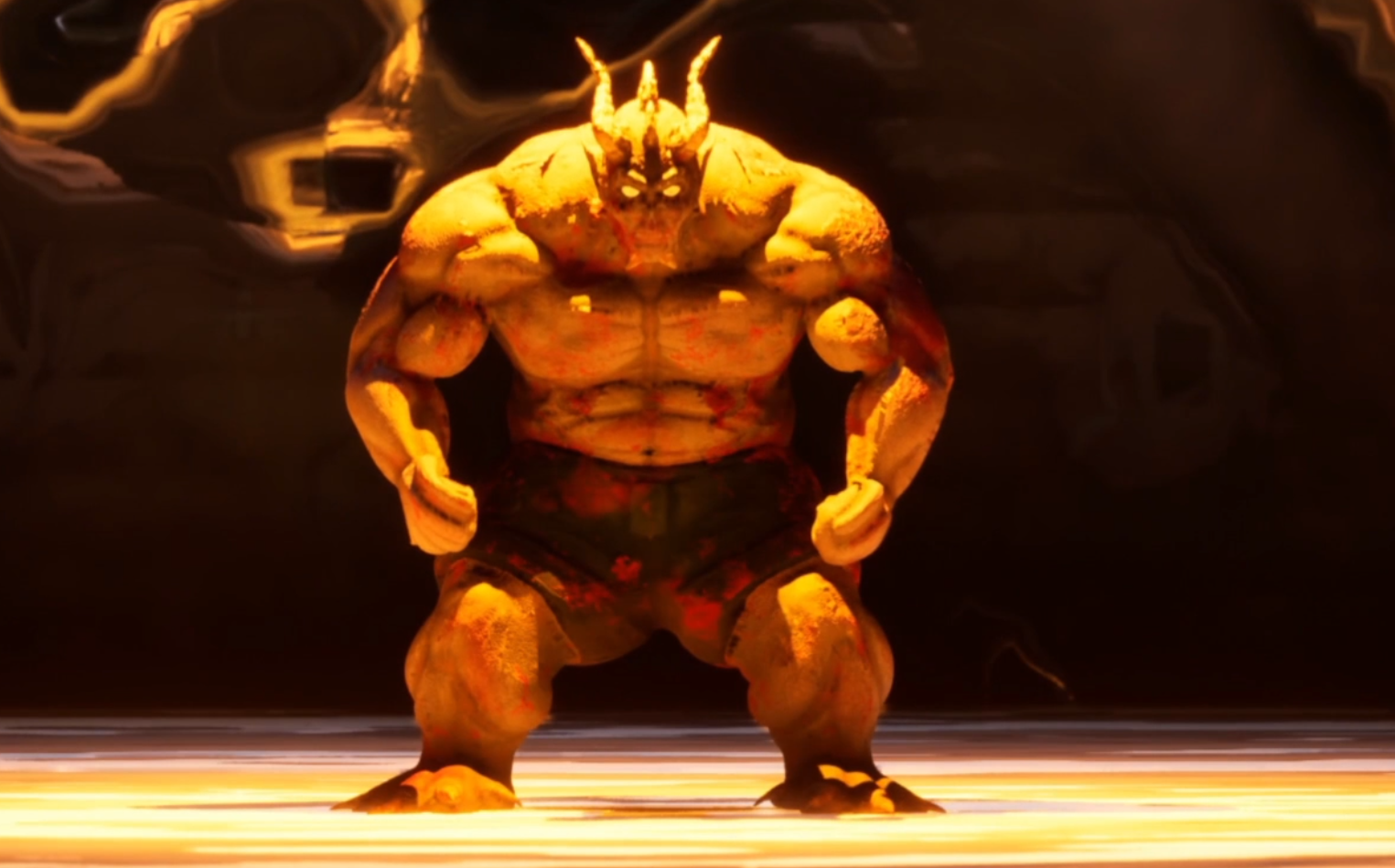
Personal Project
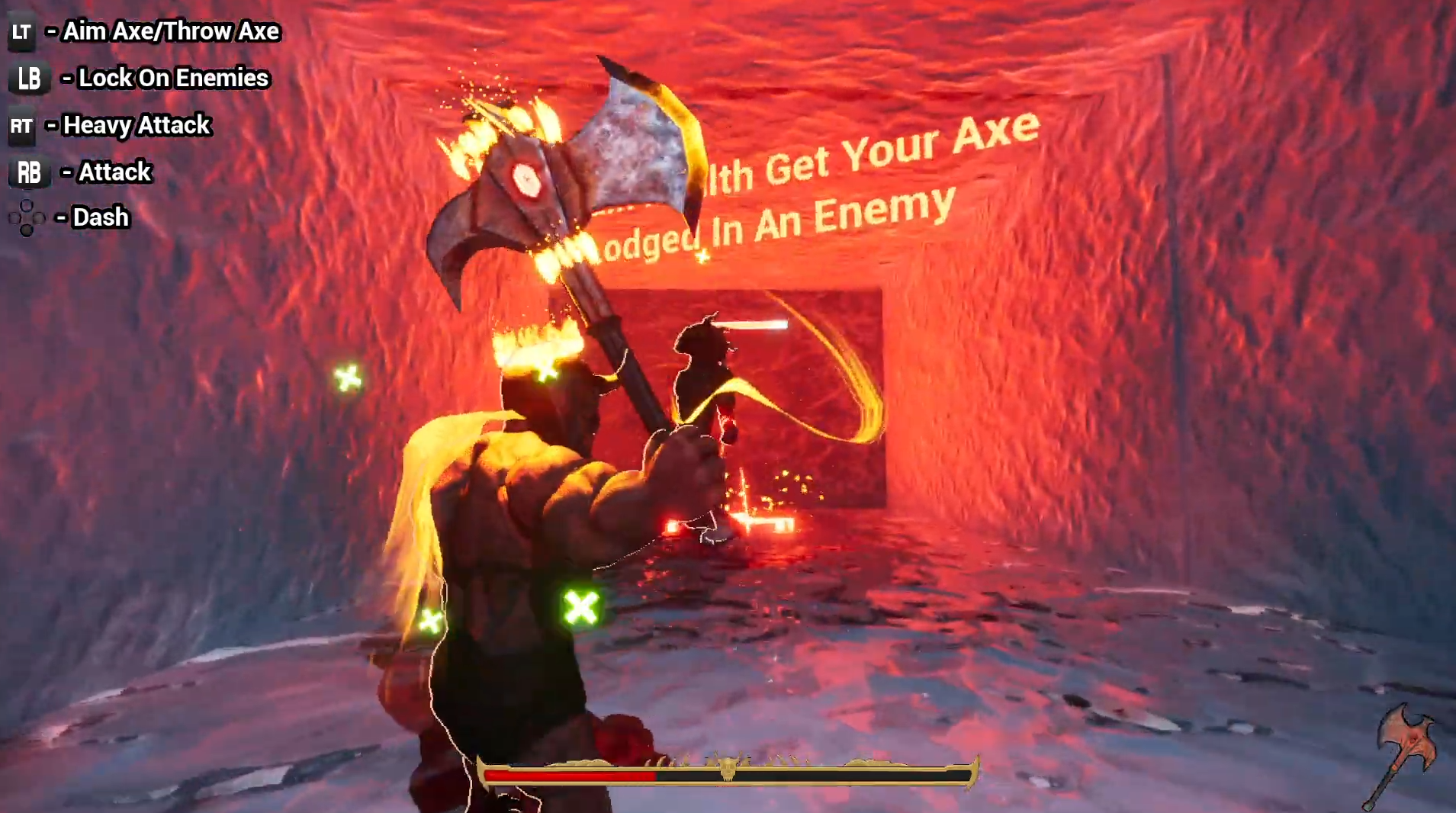
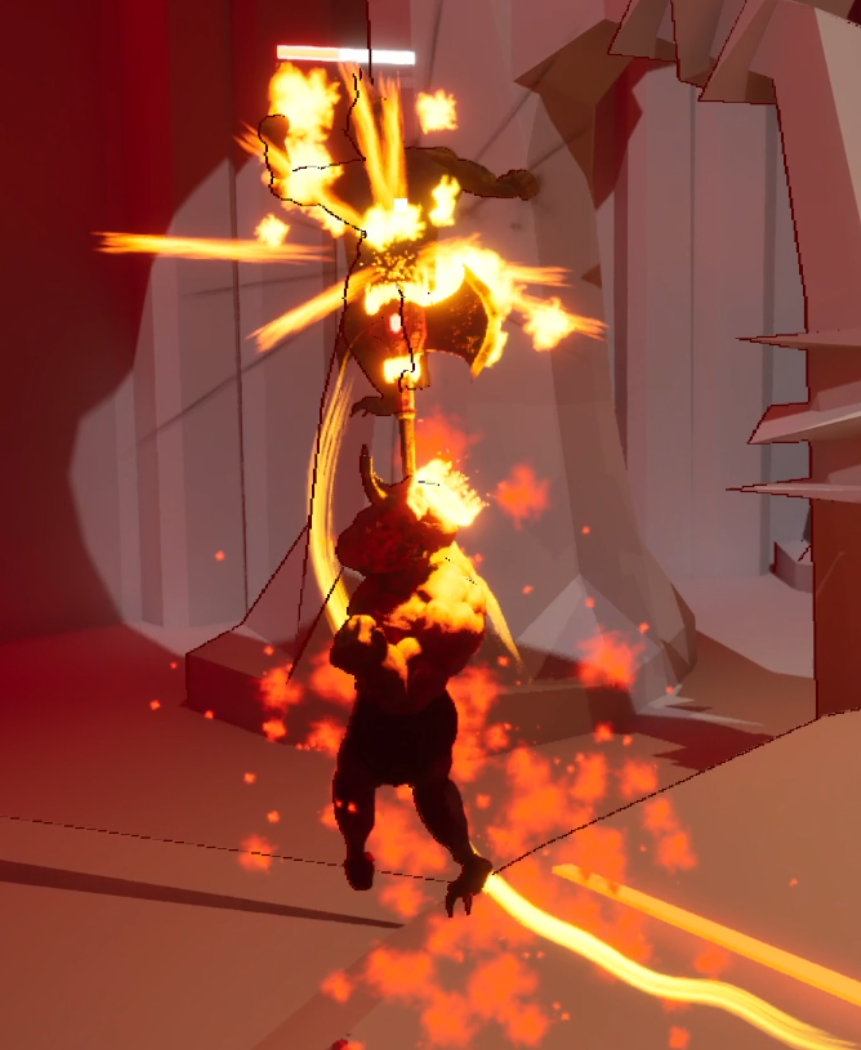
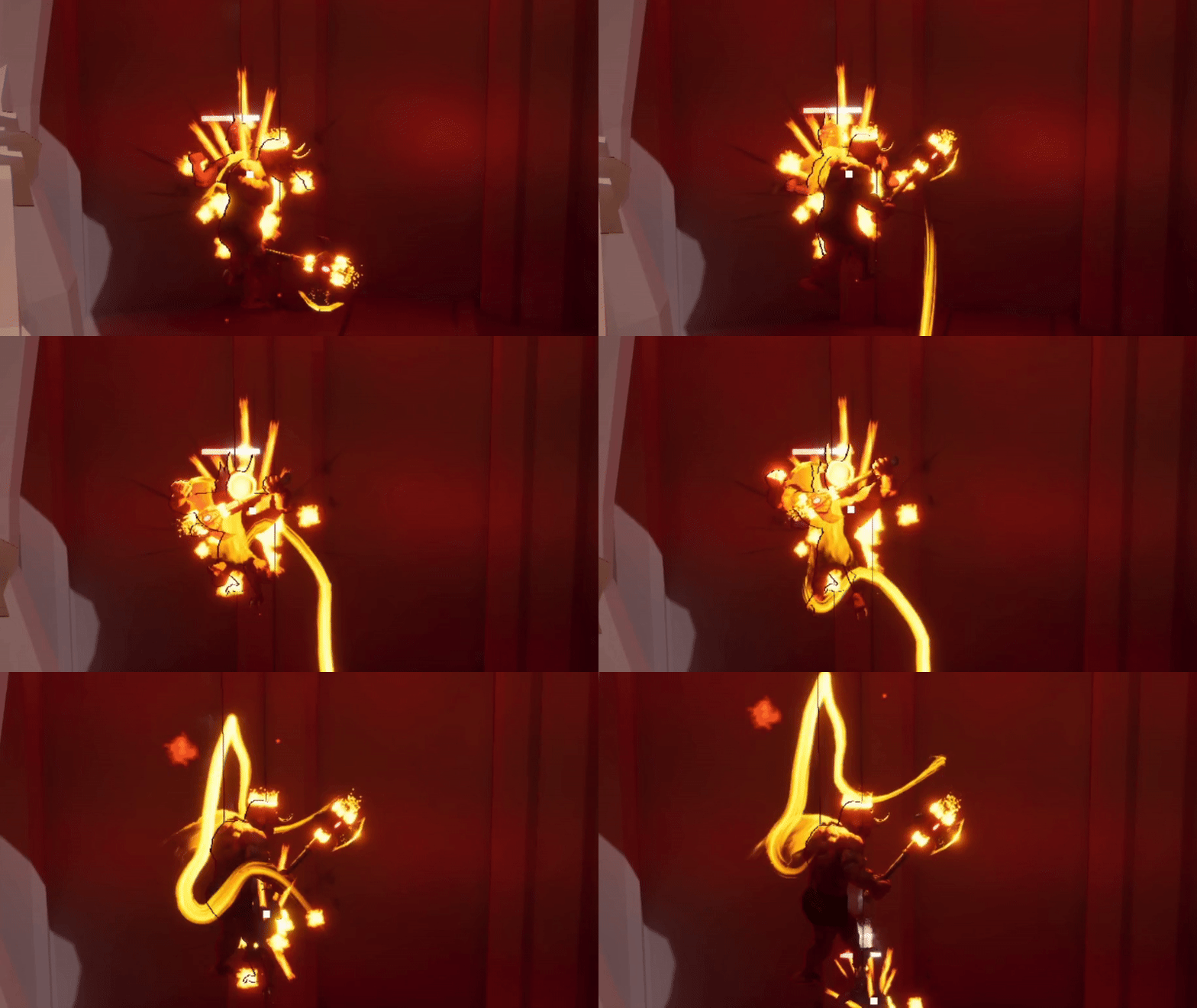
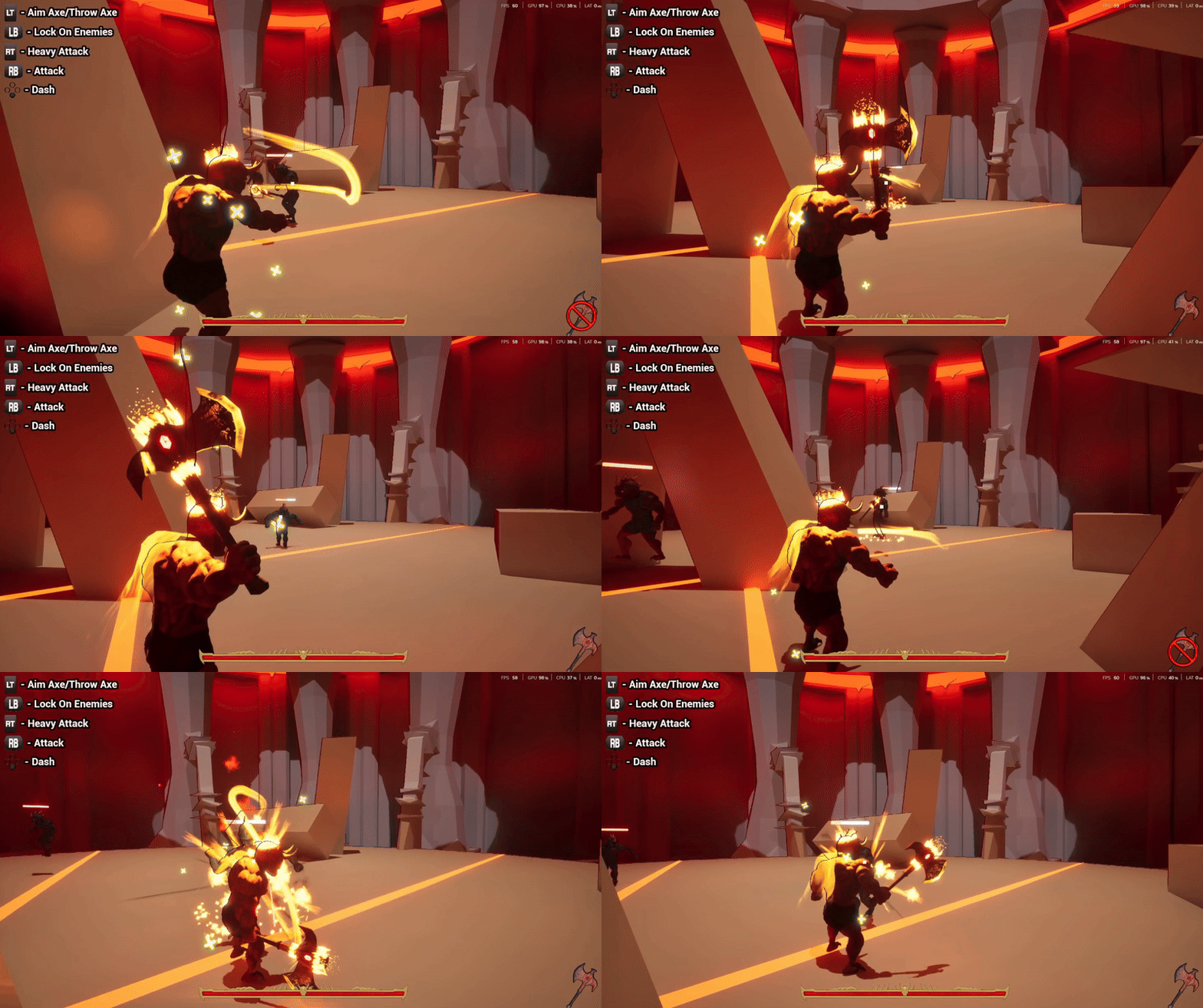
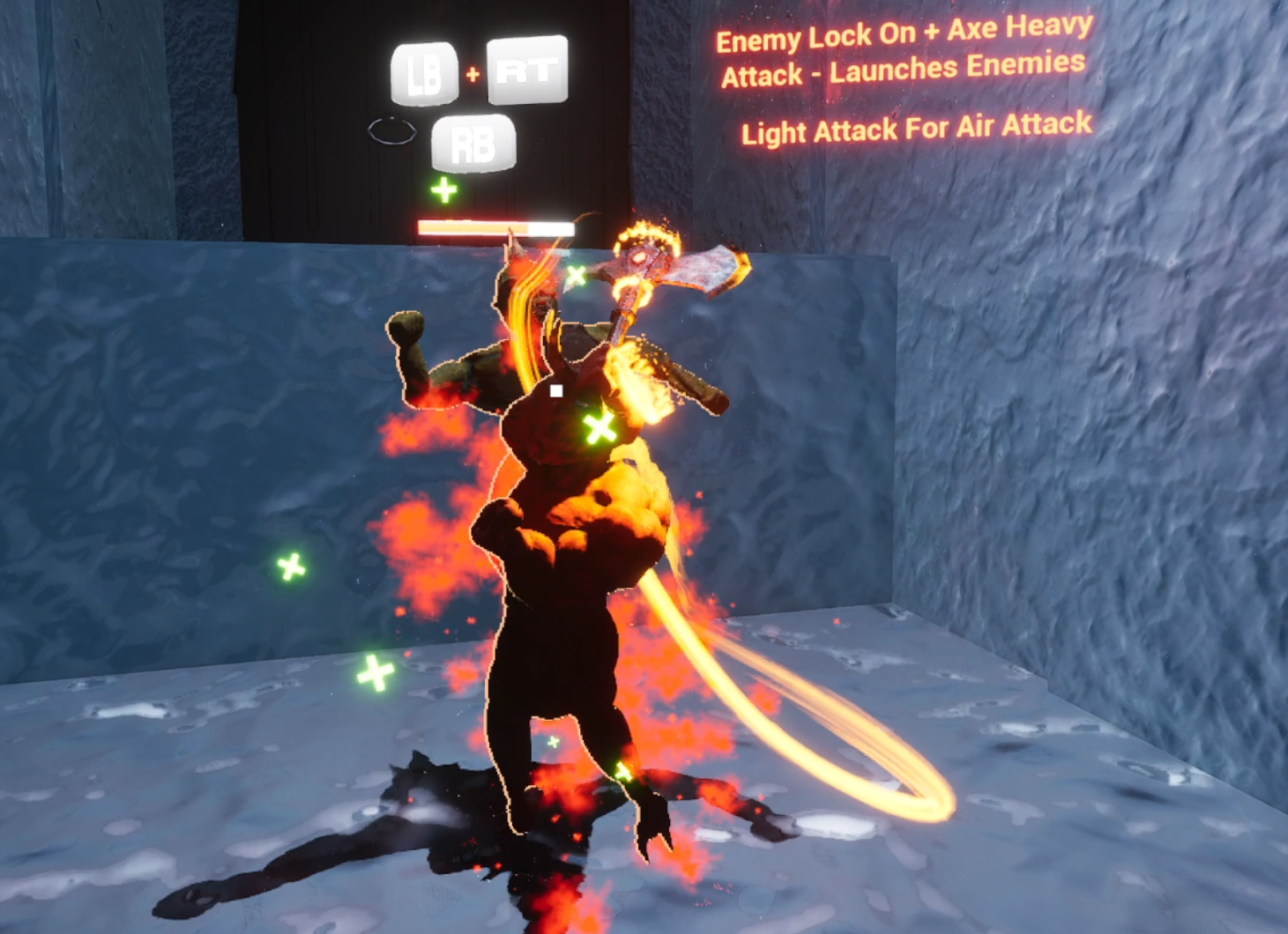
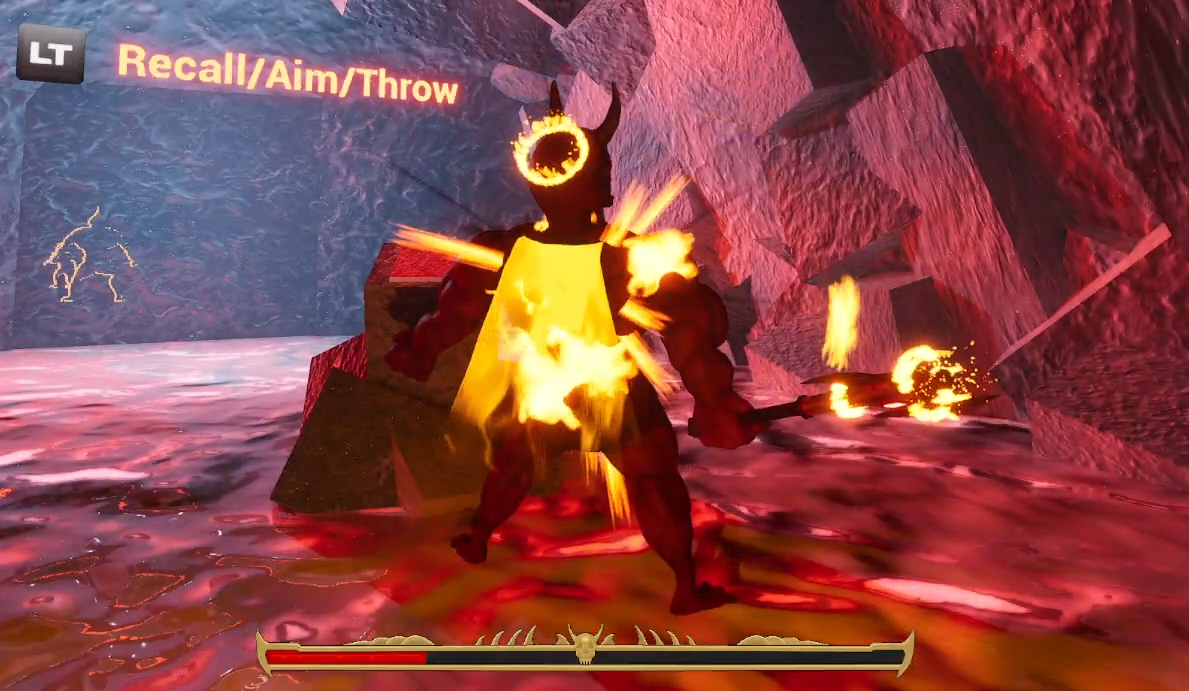
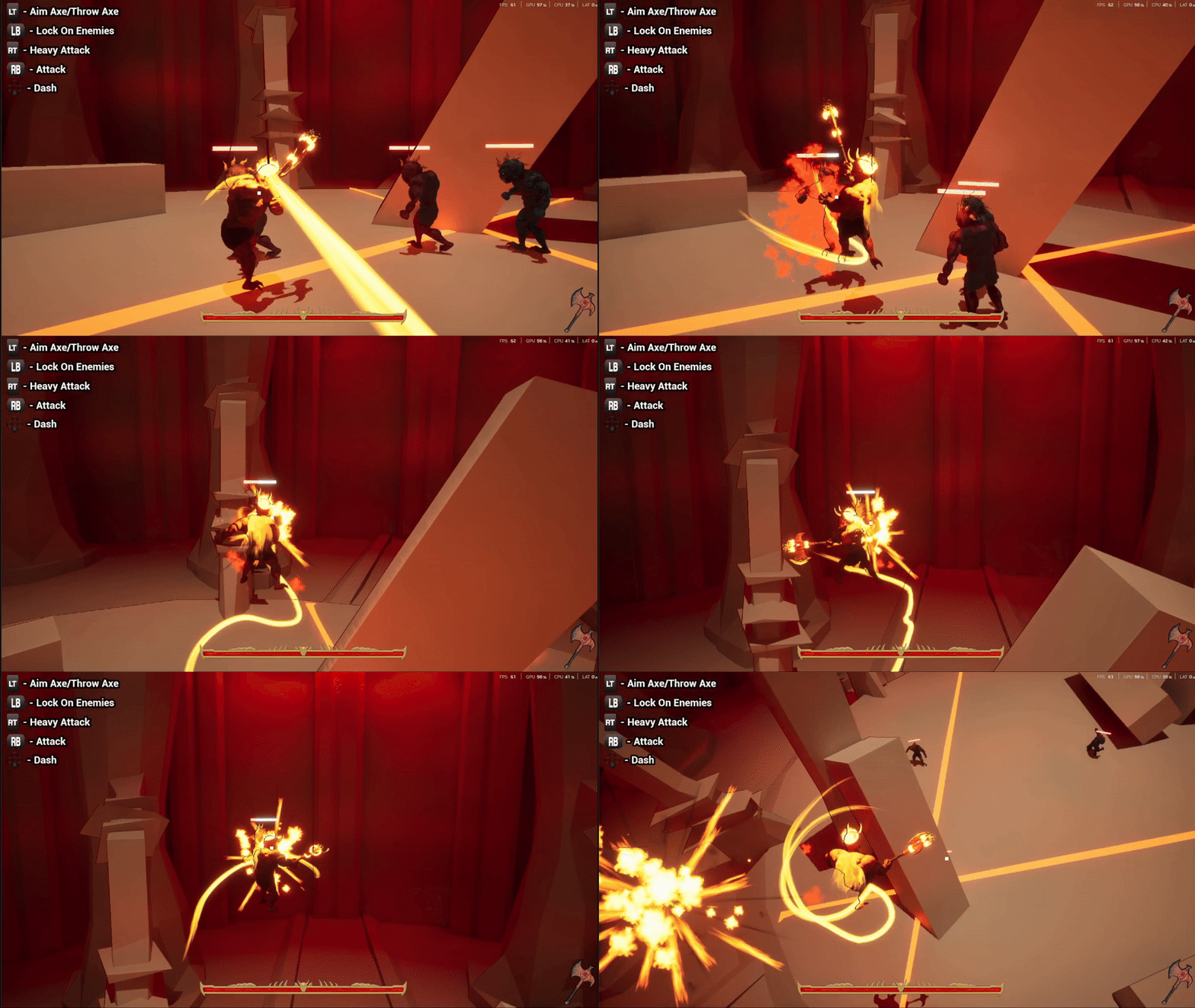
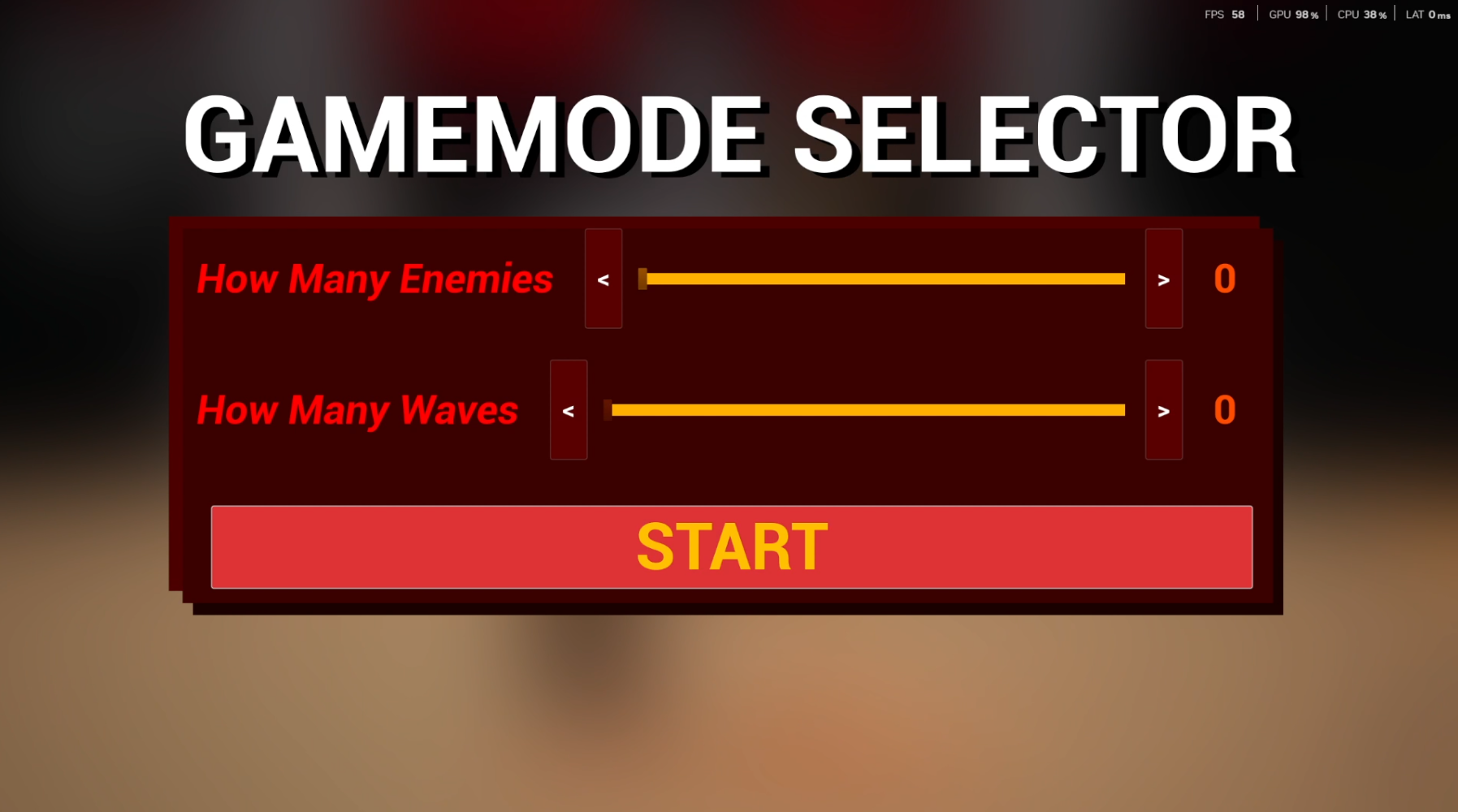
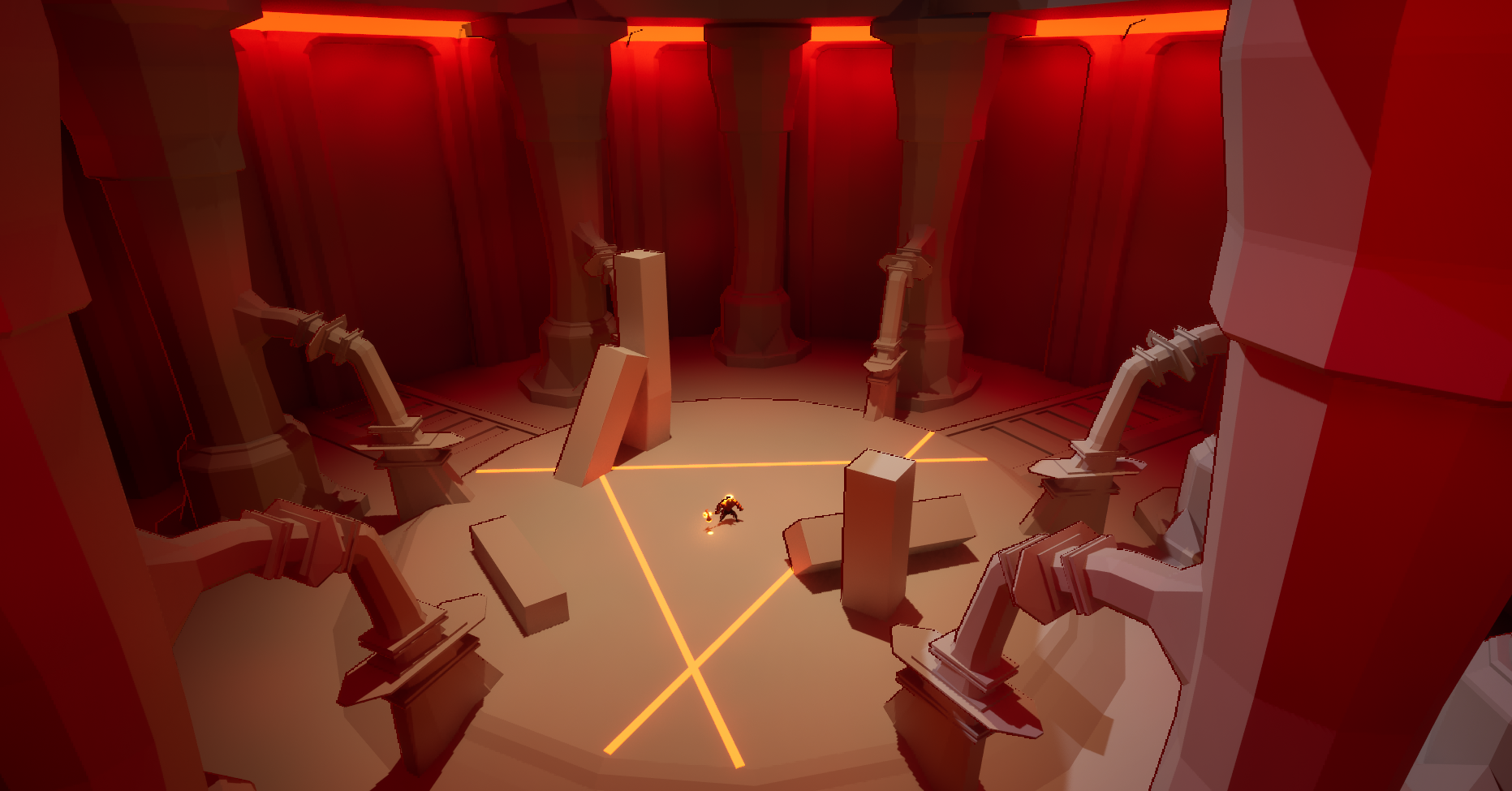
A solo project where I explored how accessibility can be part of the core combat design rather than something added on at the end. Inferno's Wrath is my 3rd year specialism, inspired by God of War, focused on making intense melee combat something any player can enjoy regardless of ability.
Owning every part of the project from the initial design pillars through to playtesting. All decisions and iteration were mine throughout development.
Building the combat, movement, camera, enemy AI and UI systems using Unreal Engine 5 Blueprints.
Running external playtesting sessions and integrating the feedback directly into combat balancing and accessibility decisions.
Problem. Character action games like God of War and Devil May Cry have some of the most rewarding combat out there, but they can also be tough to get into. Long sessions cause hand fatigue, fast cameras can overwhelm players and enemy actions are not always easy to read. The players who would benefit most from accessible design are usually the ones the genre excludes.
Constraint. My aim was not to make the combat easier. The features had to protect the intensity and mastery that make character action combat feel the way it does. If a feature made the fight feel less like a fight then it was not the right answer.
Approach. I built accessibility into the combat systems from the start, covering camera, targeting, controller comfort and visual feedback rather than adding it on at the end. Every option was tested with players and only kept if it held onto the intensity that makes the combat feel rewarding.
Systems designed with accessibility built in from the start
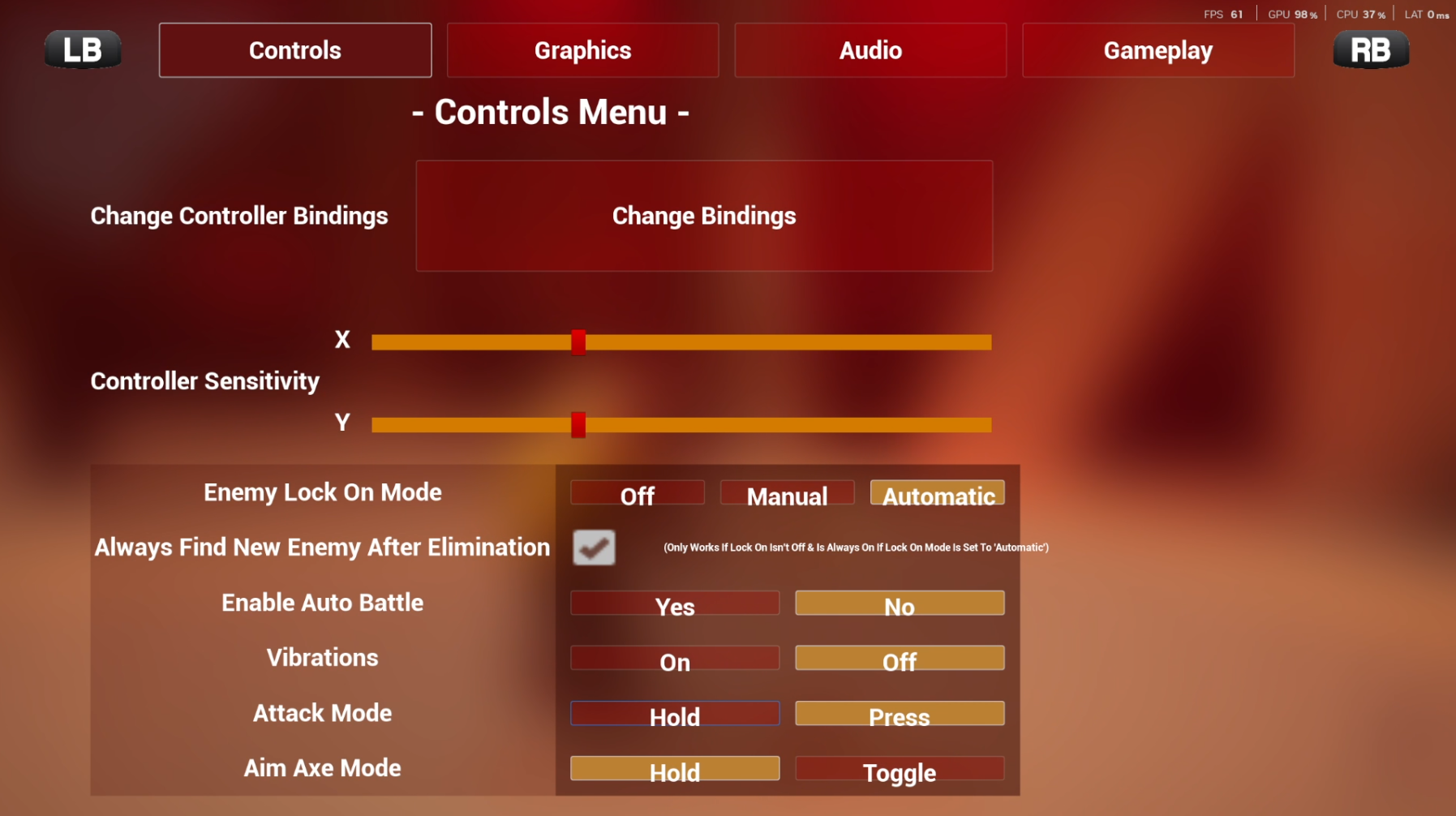
After 3 seconds of not touching the controller the game will battle for you, so players don't feel punished by something they can't fully control while resting their hands.
Lets players target specific enemies without needing the right stick, which really helps during fast-paced combat when aiming and moving at once gets overwhelming.
Reduces the harsh lights of the scene, making the game easier to play over longer sessions for players sensitive to bright visuals.
Lets players tune how quick or slow the camera moves so it can be catered personally to whatever feels comfortable.
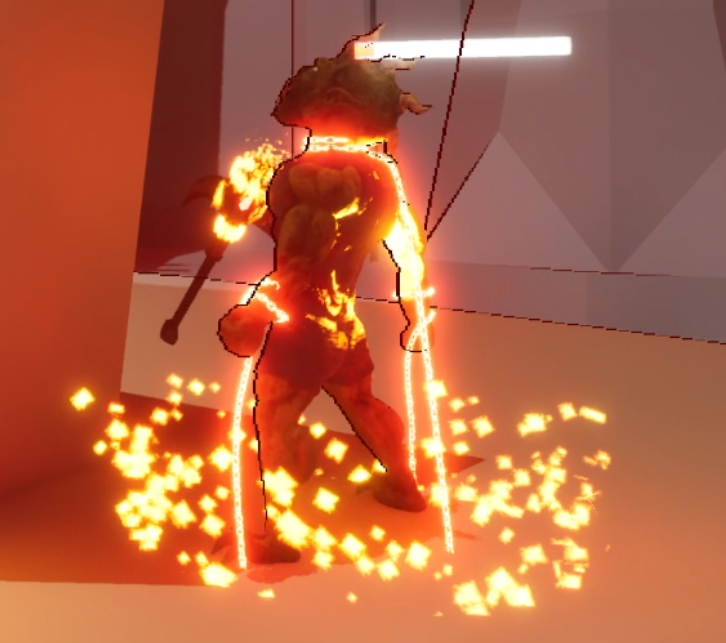
A UI element that appears when the AI is about to attack, helping players build a deeper understanding of when enemy attacks are coming and how to react.
Options for different controls so players can pick what works for them, for example Axe Aim can be a toggle or a hold, and the Light and Heavy Attack can be a press or a hold.
A short questionnaire at the end of the tutorial that customises the accessibility features to work best for the player, so they know which options are actually there for them to use.
The full breakdown is available in the UX Documentation below.